




Play at any size: the whole screen, not a 4:3 box
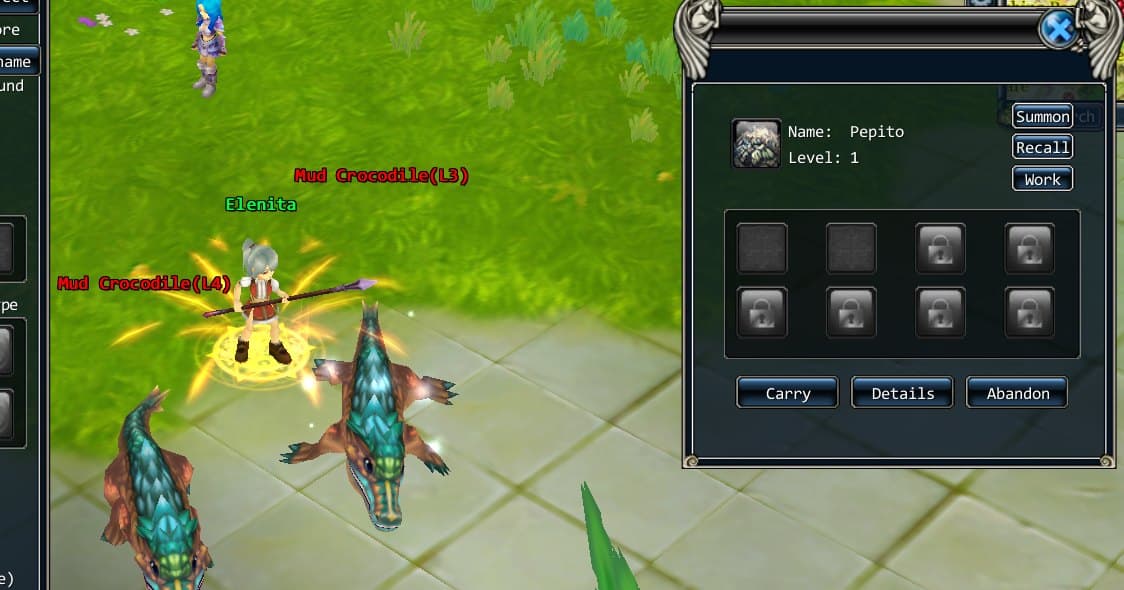
The original game renders one fixed frame — the size written in its config file — and the interface was designed for a 1024×768 screen. Put it on a modern monitor and you get a small box, a stretched box, or black bars.
The new client has no such box. Resize the window to anything, or maximise it, or send it full-screen from your desktop, and the game becomes that size.
How it works
The interface is laid out on a virtual screen, scaled uniformly to fill your window:
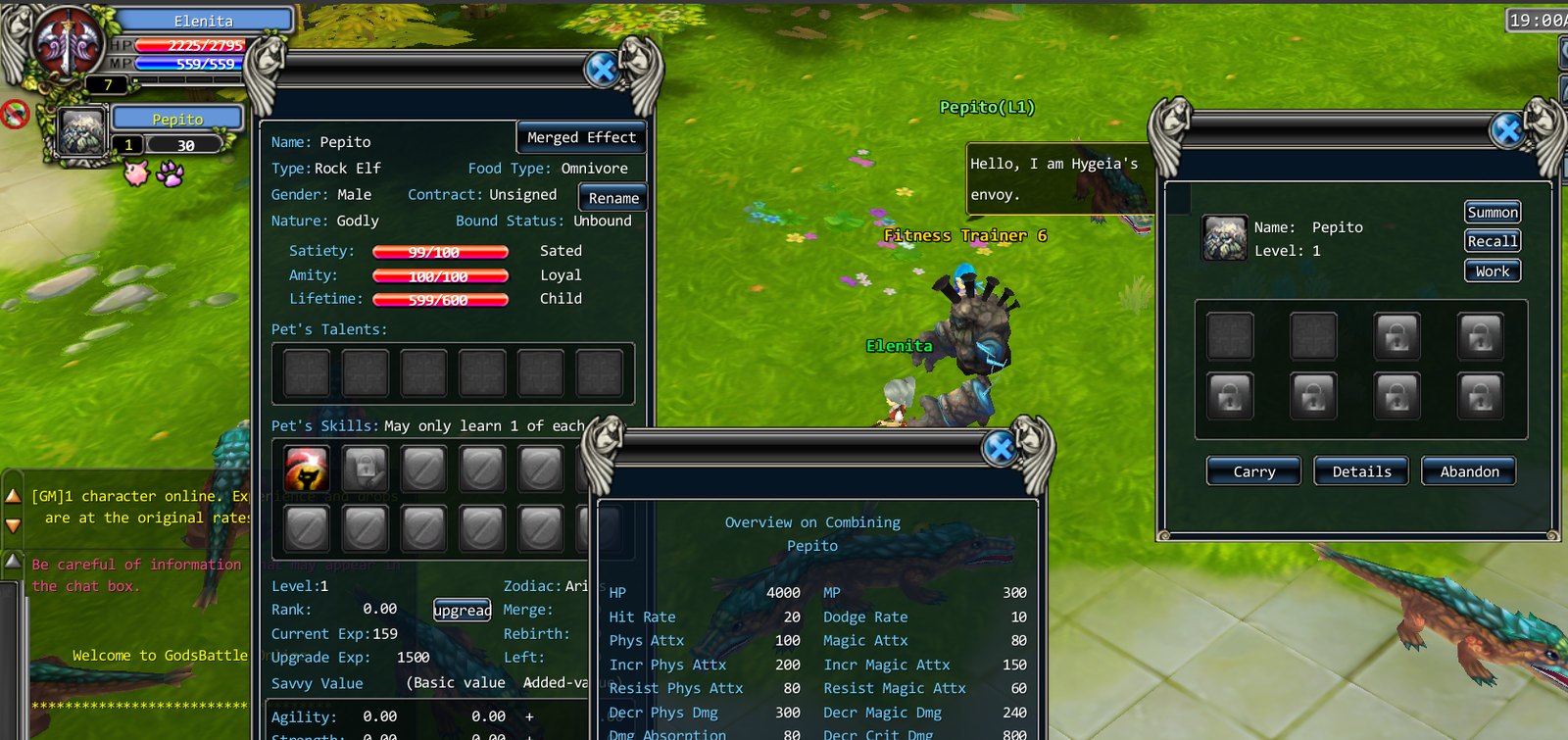
- A wider window gets a wider screen. The height stays 768 virtual pixels and the width grows. A taller window does the opposite. Nothing is stretched, and nothing is letterboxed.
- The 3D view uses your window's real shape. The camera keeps the original's vertical field of view, so an ultrawide monitor shows you more of the world to the left and right instead of the same picture pulled sideways.
- Windows keep the edge they belong to. Anything that sat against the left, right, top or bottom of the old 1024×768 screen stays against that edge on the new one; centred windows stay centred. Full-width strips, like the experience bar along the bottom, stretch across the extra width along with their contents.
- The mouse is never off by a few pixels. Clicking on a character, hovering a name label and pressing a button all use one shared coordinate system, and the client understands high-DPI displays, so 150% scaling does not shift what you click.
The details that took the time
Making the interface sit correctly at 1366×768, 1819×913 and 1920×1080 meant going through every part of the HUD. Some things only appeared once windows stopped overlapping: the retail layout hides a stray piece of the chat bar under the skill bar at 1024×768, and on a wide screen that piece showed up as a dark strip beside the chat window. That was fixed where the piece is sized, rather than by hiding it again.
Camera and controls
Scroll to zoom. Hold the right mouse button and drag to turn the camera — and that now works even when the pointer is over a window, which the first version did not manage. Click the ground to walk. Click yourself once to walk to the spot behind you, double-click to select yourself.
One honest limit
There is no dedicated full-screen key in the client yet. It is a resizable window, so the maximise and full-screen controls of your desktop do the job — and the game re-lays itself out the moment the window changes. Building the toggle into the client itself is a small job, and it is on the list.