




← All news
The changelog: everything that changed in the client, the editors and the server
newsAlso inEspañolPortuguês (BR)
Ten posts is a lot to read, so here is all of it in one place. Each heading links to the post with the detail.
The new client
A new client, built from the ground up
- A native program, written from scratch, that reads the game's own files and speaks the real protocol — same realm, same players.
- The game's window layouts and scripts run unmodified on a reimplemented interface engine.
- Runs on Linux today. A Windows build is a scoped list of work, not done.
- Optional auto-login: tick the box once and later starts go straight in.
- A plain launch picks up your editor overlay automatically, so your own map changes are what you see.
Any screen
- Fills any window, monitor or ultrawide — no letterbox, no stretch.
- Windows re-anchor to the edge they belong to; full-width strips stretch.
- Zoom with the wheel; turn the camera with the right button, even over a window.
The editors
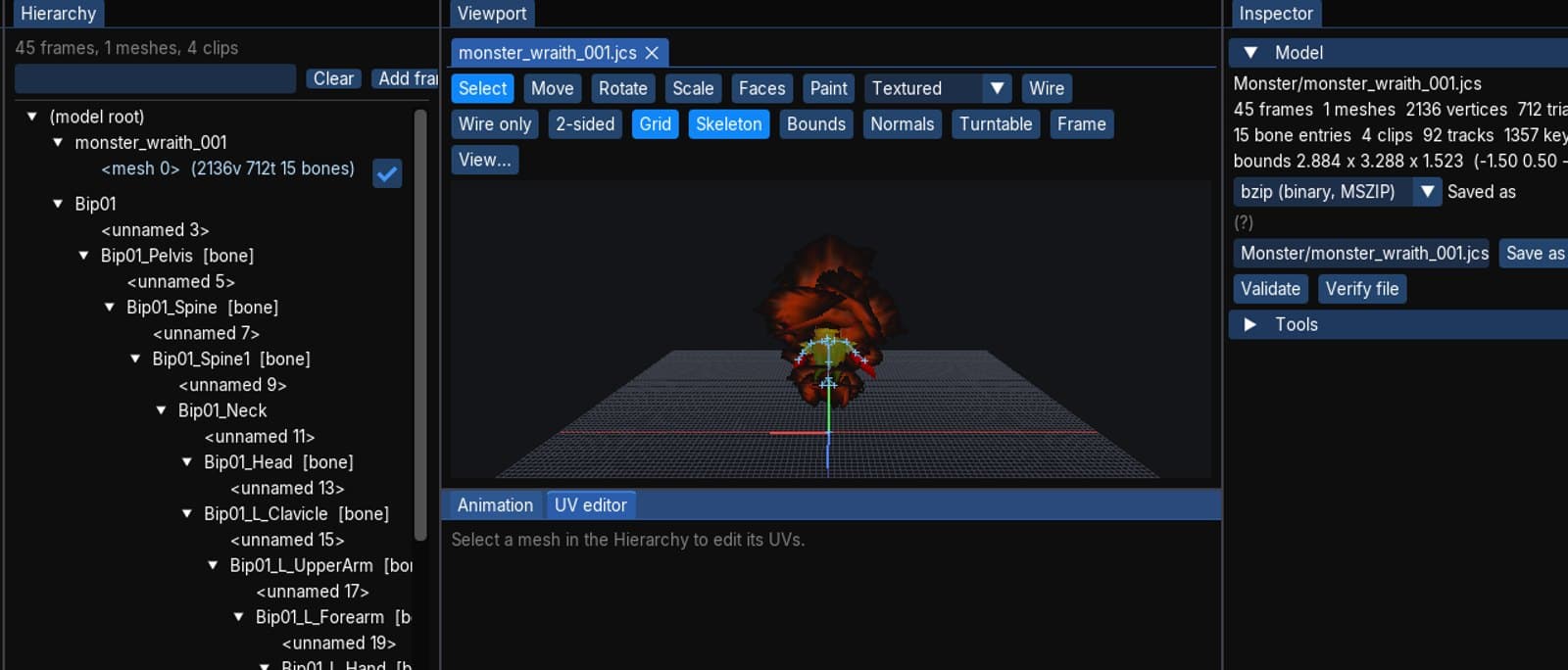
- Map, Model, Scene, UI and Data editors on the client's own renderer.
- Saves go to an overlay; the install is never written. Modified panel, per-file revert, Play-with-overlay.
The live world editor
Move the world while players stand in it
- See every NPC, monster, spawn block and revival point on a map.
- Move, rotate, retune, add, duplicate, delete, box-select and bulk-edit — each an undo step, applied to the running server at once.
- Monsters appear immediately; NPCs at the next restart.
Content packs
- Owner-signed map files pushed to connecting clients, verified, cached, layered under your own changes, removable.
- Signing key kept off the running server. 308 checks for the feature.
Chat and interface
Whispers, channels and a quieter HUD
- Private messages, a send-channel picker and receive filters.
- Staff announcements to a top ticker, status lines to the character window, a welcome banner, announcements for listed bosses coming back.
- Townspeople greet you as you pass.
- Click-through chat, fixed status panels, click yourself to walk.
Talents and the Zodiac
- 72 talents in four class lists, with passives that change your stats, and talent experience from kills.
- The zodiac: 20 levels, 20 stone levels and 12 training grids, driven by the game's own script.
Pets
- 44 pet types and eggs; hatching, feeding, skills, work for silver and experience, and the transformations; buffs to the owner.
Behind the scenes
How we test a client with no screen
- Headless client, scripted input, traces, a protocol-only probe, and checkers for models, maps, windows, content packs and the spawn editor.
- The server's automated suite passes with every one of these systems in it.
What is still rough
An honest list, in the spirit of the last time we made one:
- NPC service windows. Talking to a town NPC opens its dialogue, but the windows behind the menu rows — shops, the bank, the pet merchant, the quest lists — do not work in the new client yet. This is the most important gap, and it is next. Until it is closed, the retail client is the one to use for shopping and banking.
- Inventory. Hovering an item does not show its tooltip yet, the Forge button does not respond, and the Set Stall button shows its tip but does nothing.
- Zodiac. The Training tab's skill icons are missing, and the Select button does not open the skill list.
- Pets. Feeding, skill books, the transformations and dispatch are built and tested but have not had a proper evening of play.
- Windows. No build of the new client exists for Windows yet.
What is next
- Close the NPC service windows, starting with the shops and the bank.
- Inventory: tooltips, the forge, stalls.
- The zodiac's icons and skill picker.
- A real play-through of the rest of the pet system.
- Only then: the conversation about putting the new client in the launcher.
We will keep writing these the way we always have: what works, what does not, and in what order we are going to fix it.